
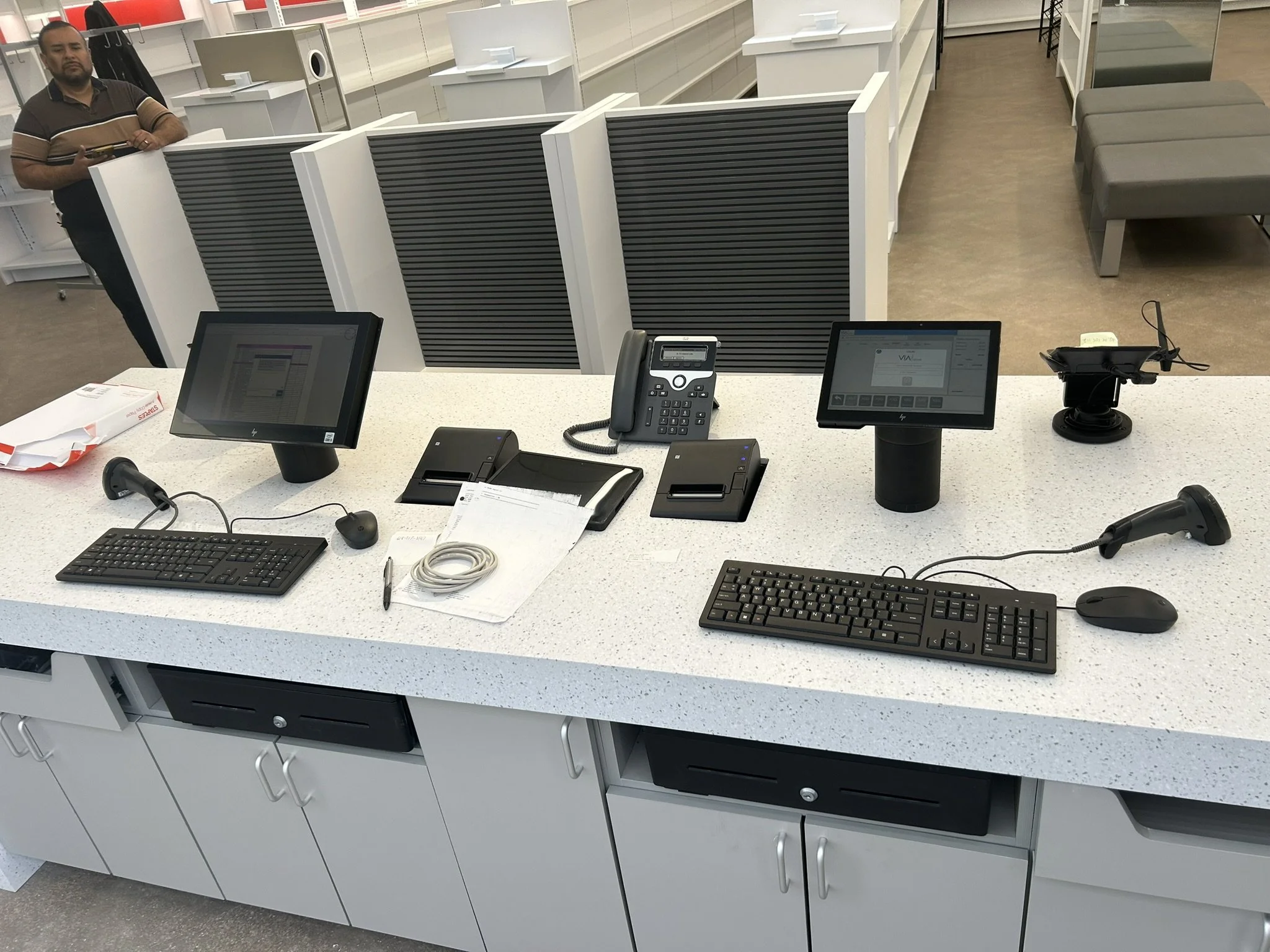
Keep Checkout Moving When Business Gets Busy
Network support for POS systems, payment terminals, receipt printers, kitchen displays, back-office devices, guest Wi-Fi, cameras, and business phones — built for restaurants, retail counters, bars, and busy service environments.
Don’t Let Money Walk Out the Door Anymore
When POS systems lag, payment devices fail, or printers go offline, customers notice before anyone has time to troubleshoot.
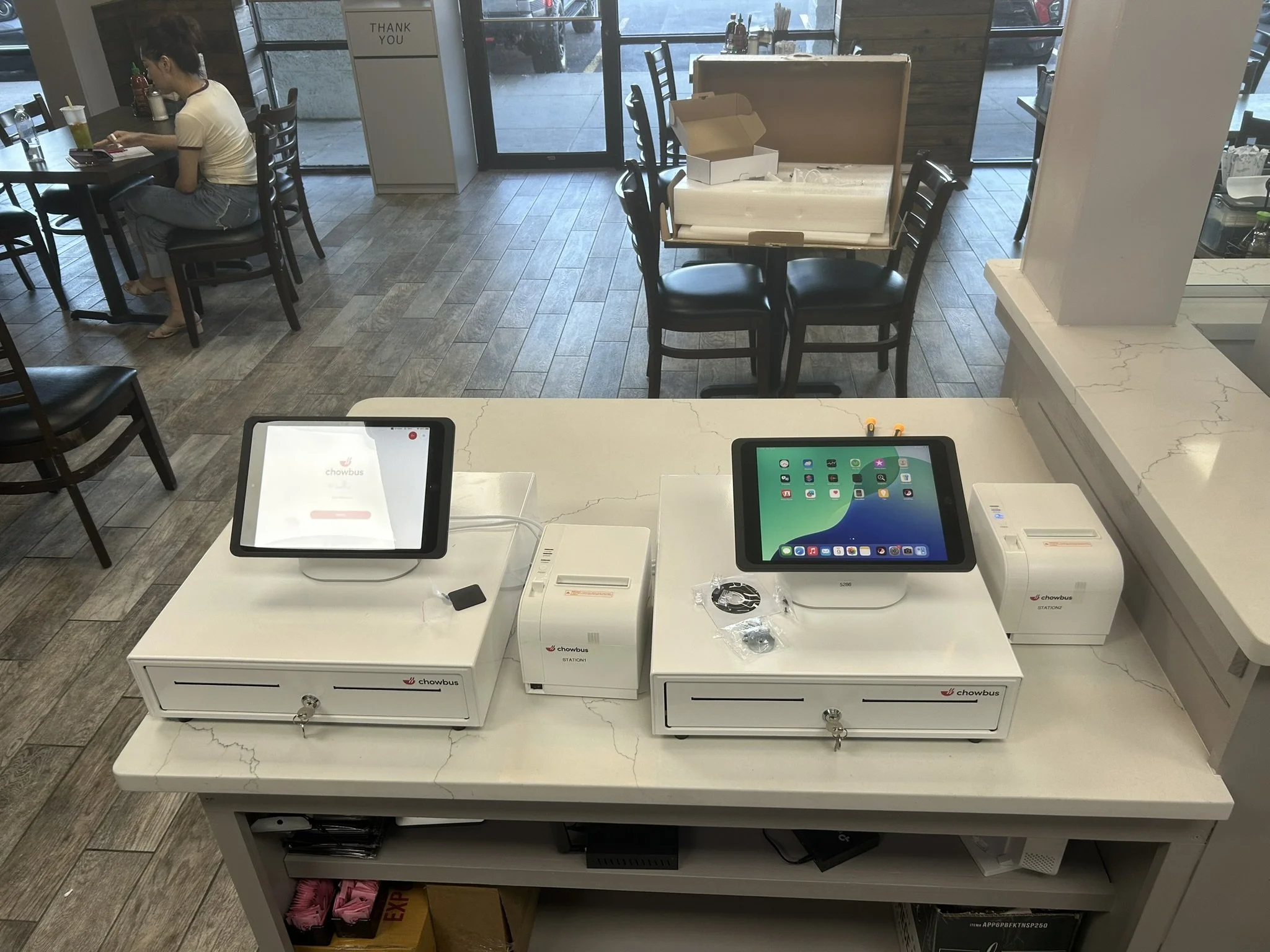
POS Support Is More Than the Register
A dependable POS setup depends on the network, internet, printers, phones, Wi‑Fi, cameras, and back-office equipment working together.
POS Terminals
Counter terminals, handhelds, payment devices, and checkout stations.
Receipt & Kitchen Printers
Order flow, kitchen printing, bar printing, and receipt reliability.
Network & Wi‑Fi
Stable wired and wireless connectivity for staff and guest traffic.
Back Office Devices
Manager workstations, printers, phones, and cloud tools.
Payment Network Separation
Traffic separation for payment, guest, staff, and camera systems.
Dual ISP / Failover
Backup internet planning for busy sales environments.
Monitoring
Visibility into device connectivity before problems become downtime.
Onsite Support
Field-ready support when remote work is not enough.
Onsite Support for Popular POS Systems
ReNetworked provides onsite IT (Information Technology), network, Wi-Fi, printer, cabling, and connectivity support for restaurants, retail, bars, and busy checkout environments.






Built for Restaurants, Retail, Bars, and Busy Counters
Showing checkout reliability, kitchen workflow, failover, and onsite help.

Counter Connectivity
Reliable checkout stations, payment devices, receipt printers, and staff terminals.
Request support →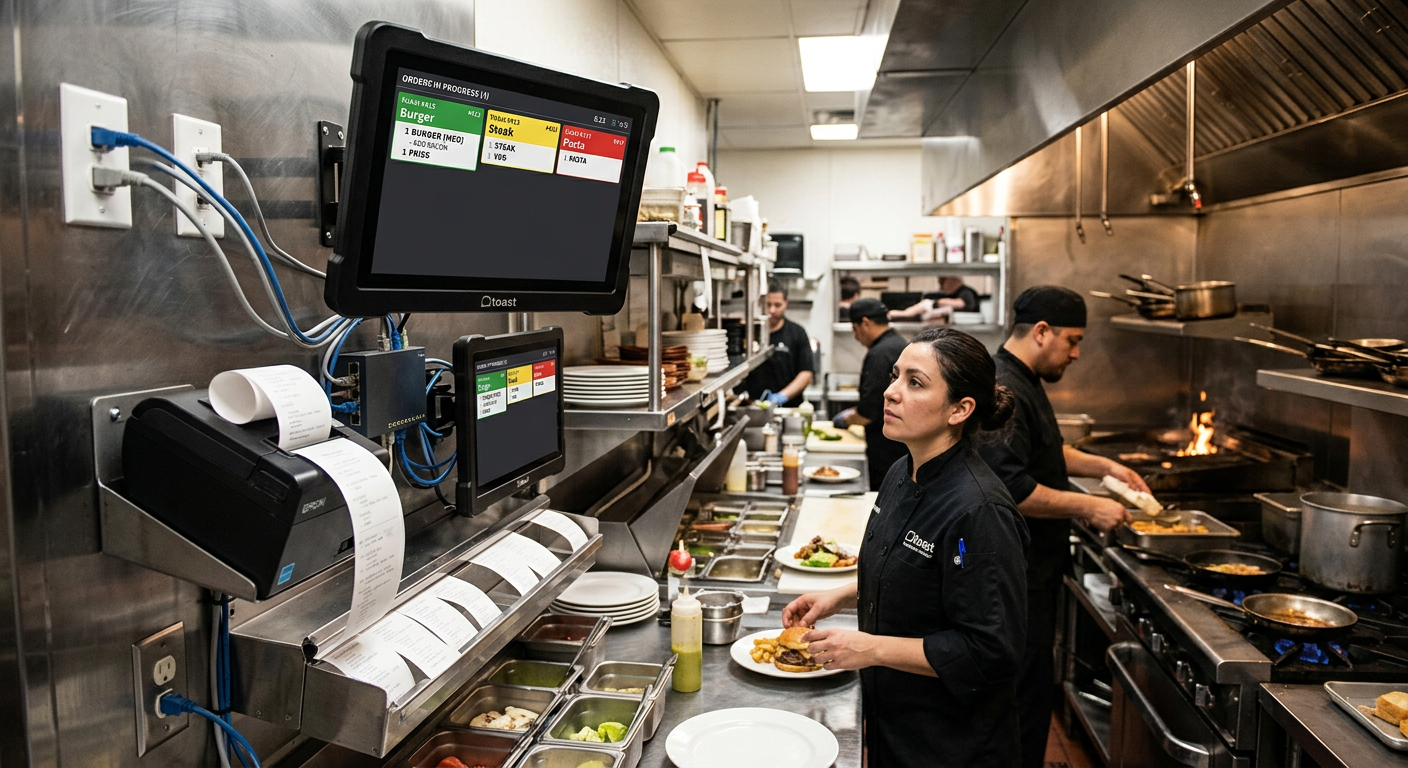
Kitchen Display & Printer Network
Keep orders flowing between front counter, bar, kitchen, and back office.
Plan support →
Failover & Support
Plan around internet outages, device disconnects, and busy-hour support needs.
Schedule survey →Survey, Stabilize, Segment, Monitor, Support
A better POS environment starts with understanding what is connected, what fails, and what needs redundancy.
Survey
Identify POS devices, network routes, printers, phones, Wi‑Fi, and ISP equipment.
Stabilize
Fix weak links, overloaded equipment, bad cabling, poor Wi‑Fi, and unmanaged switches.
Segment
Separate payment, guest, staff, camera, and back-office traffic where possible.
Monitor
Watch key devices and internet connections so small issues are visible sooner.
Support
Provide remote and onsite support for busy restaurants, retail counters, and offices.
Document
Map devices, labels, network notes, and support paths for future troubleshooting.
Common POS Network Questions
Use this section to answer practical buying questions before a visitor reaches out.
Ready for a More Reliable POS Network?
Start with a POS network survey so checkout, payment devices, printers, Wi‑Fi, phones, cameras, and back-office equipment are planned correctly.
Request a Quote →Can you help with slow Wi‑Fi and POS disconnects?
Yes. These issues often come from poor network design, overloaded ISP equipment, bad cabling, interference, or lack of traffic separation.
Do you replace the POS software?
No. ReNetworked focuses on the network, cabling, internet, Wi‑Fi, printers, phones, and support environment that the POS depends on.
Can you support restaurants and bars after busy-hour issues?
Yes. We help identify the root cause and plan more reliable connectivity for high-traffic service environments.
Can you help with backup internet?
Yes. Dual ISP and failover planning can help keep critical systems available when the main internet connection has problems.