

Protect Business Data Before Something Goes Wrong
ReNetworked helps small businesses plan backup, recovery, restore support, workstation protection, cloud backup, monitoring, and disaster recovery readiness before downtime becomes lost productivity.
Data Loss Becomes a Business Problem Fast
Backups are not just a technical checkbox. They help protect accounting files, customer records, workstations, cloud data, and daily operations.
File Loss
Deleted, missing, or overwritten files can slow down staff, billing, customer service, and operations.
Hardware Failure
Workstations, drives, and systems can fail without warning. Recovery planning helps reduce the impact.
Ransomware Readiness
Clean backup copies and recovery paths help support the business after cybersecurity incidents.
Cloud Data Gaps
Cloud tools still need planning around retention, access, ownership, and recovery requirements.
Restore Confidence
A backup is only useful if the business can actually restore from it when it matters.
Continuity Planning
Know what data matters most, what systems need to come back first, and who to call when recovery is needed.
Recovery Support That Covers the Real Failure Points
A dependable recovery plan includes backup coverage, monitoring, restore support, and a clear path when something breaks.
Cloud Backup
Automated backup copies for important business files, folders, and cloud-connected workflows.
Workstation Backup
Backup planning for business workstations, user data, and operational files.
Restore Support
Help recovering files, folders, workstations, or systems after deletion, failure, or incident.
Backup Monitoring
Review backup health, failed jobs, coverage gaps, and alerts before issues become surprises.
Ransomware Recovery Planning
Recovery readiness focused on clean restore options and business continuity after cyber incidents.
Disaster Recovery Planning
Plan what comes back first after hardware failure, outage, data loss, or major service interruption.
Backup Systems Built Around Restore Outcomes
Use visual cards to explain what clients are buying: protected data, restore paths, monitoring, and continuity.

Cloud Backup
Automated backup copies for critical files and business data.

Fast Restore
Restore important data when something is deleted, damaged, or unavailable.
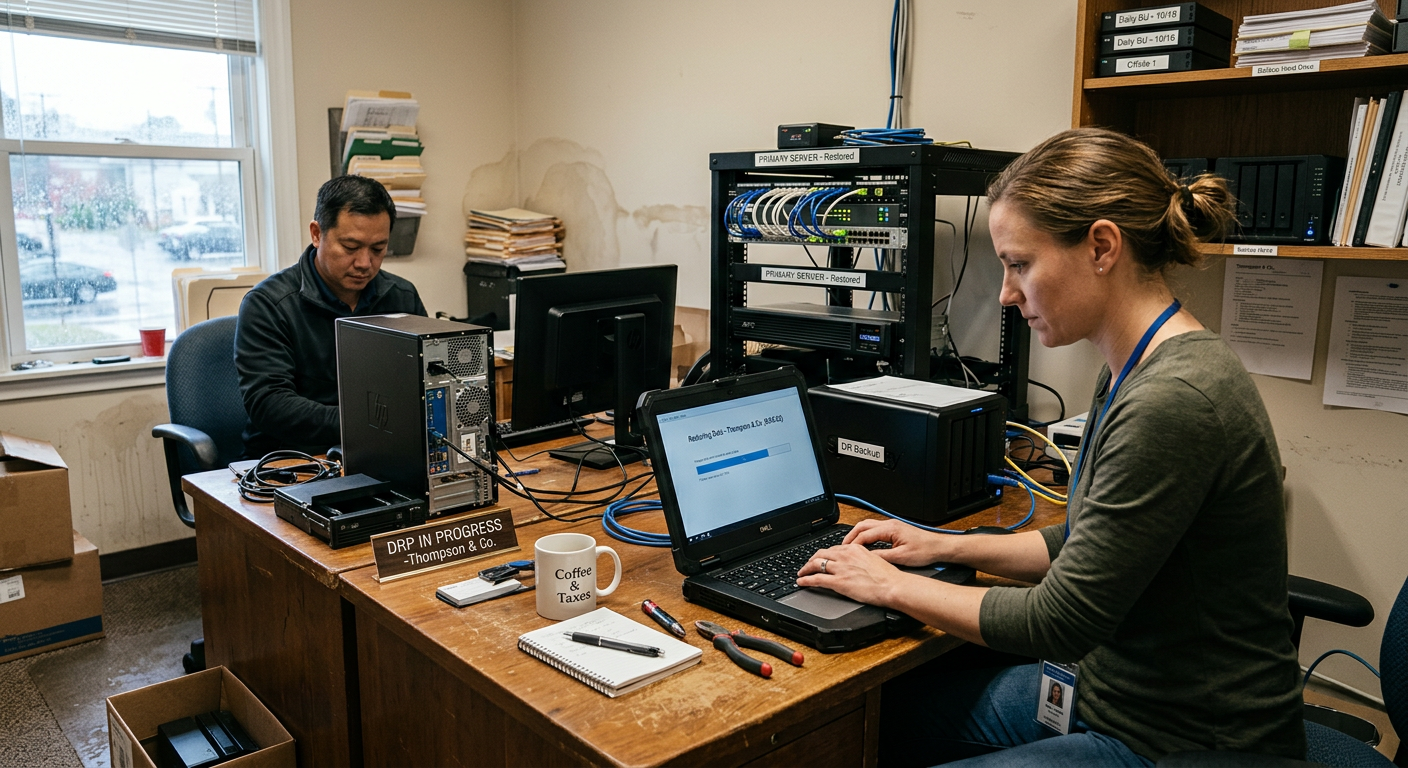
Backup Monitoring
Visibility into backup health, missed jobs, alerts, and coverage gaps.

Disaster Recovery
Recovery planning for outages, hardware failures, and business interruption.
A Practical Path to Recovery Readiness
We identify what matters, protect the data, monitor backup health, test restore paths, and update the plan as the business changes.
Assess
Identify critical files, workstations, systems, cloud tools, and recovery priorities.
Protect
Set up backup coverage around the data and devices that matter most.
Monitor
Review backup health, alerts, failures, and coverage gaps.
Restore
Support recovery when files, folders, or systems need to come back.
Review
Update the plan as users, tools, risks, and business needs change.
Most MSPs Talk About Ransomware in Theory
ReNetworked has seen what ransomware looks like in real-world business environments. That experience changes how we think about backup, recovery, isolation, restore readiness, and business continuity.
Backup Is Not Enough by Itself
A backup only matters if it is current, usable, protected, and mapped to what the business actually needs restored first. We focus on practical recovery, not just saying “you have backups.”
Real Recovery Has Pressure
During a real incident, the questions change fast: what is affected, what can be isolated, what can be restored, how long will it take, and what must come back online first?
Experience Shapes the Plan
Seeing ransomware in live environments helps build better workflows: backup verification, restore testing, documentation, escalation paths, monitoring, and clearer guidance for business owners.
Build Recovery Around the Real World.
ReNetworked helps small businesses create backup and recovery plans that are practical, supportable, and built around how the business actually operates.